
Summarize article
A post doesn't show what the article says? Remedia reads it and writes a short, neutral summary.
Beta Apply for the beta
The problem
Some portals post only a picture or a headline and hide the real link in their first comment, so the article gets judged by its headline, not its text.
Three steps
1 Find the post
On Facebook (in a desktop browser) open the portal's post whose article you want to check.
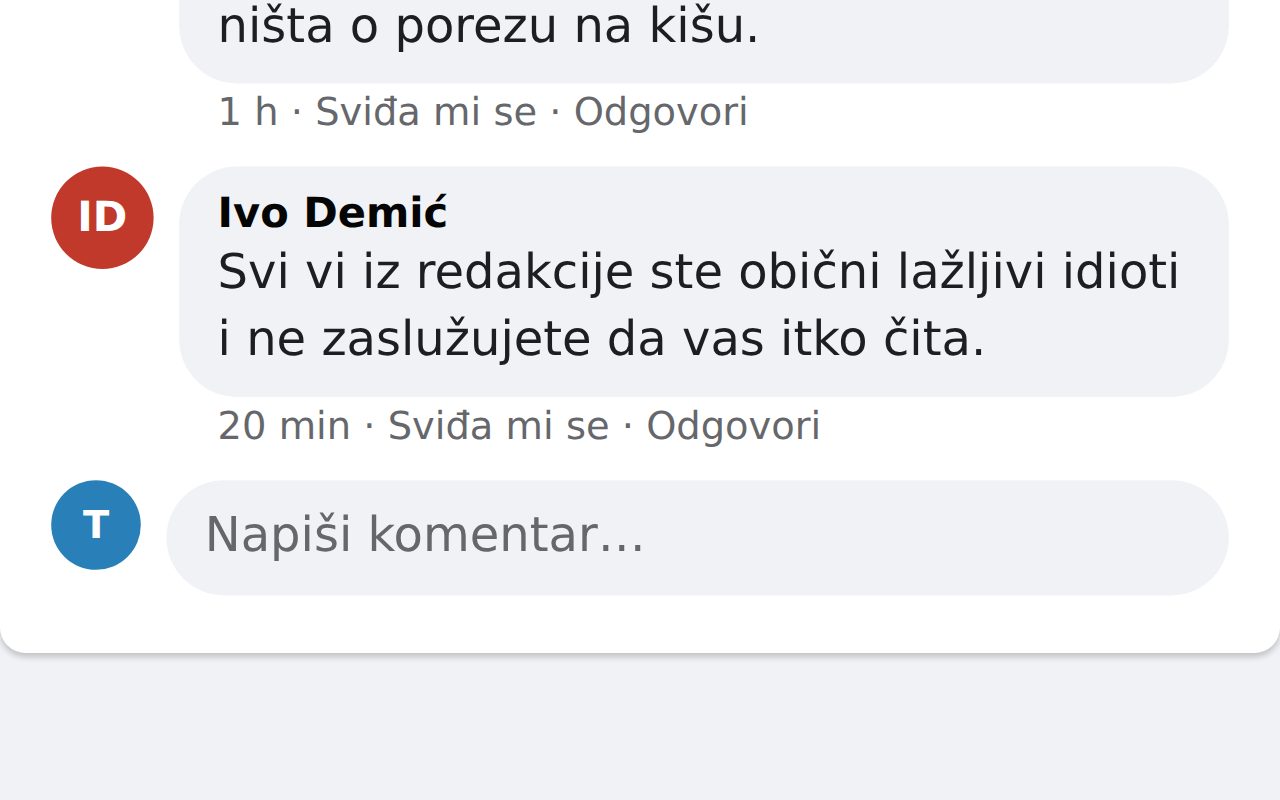
2 Right-click, “📰 Sažmi članak”
Right-click anywhere on the post. The extension finds the link: the one you clicked, the link in the post's card, or the link the post's author put in their own first comment. Remedia fetches the article and prepares the summary, which takes a few seconds. (The menu item is labelled in Croatian.)
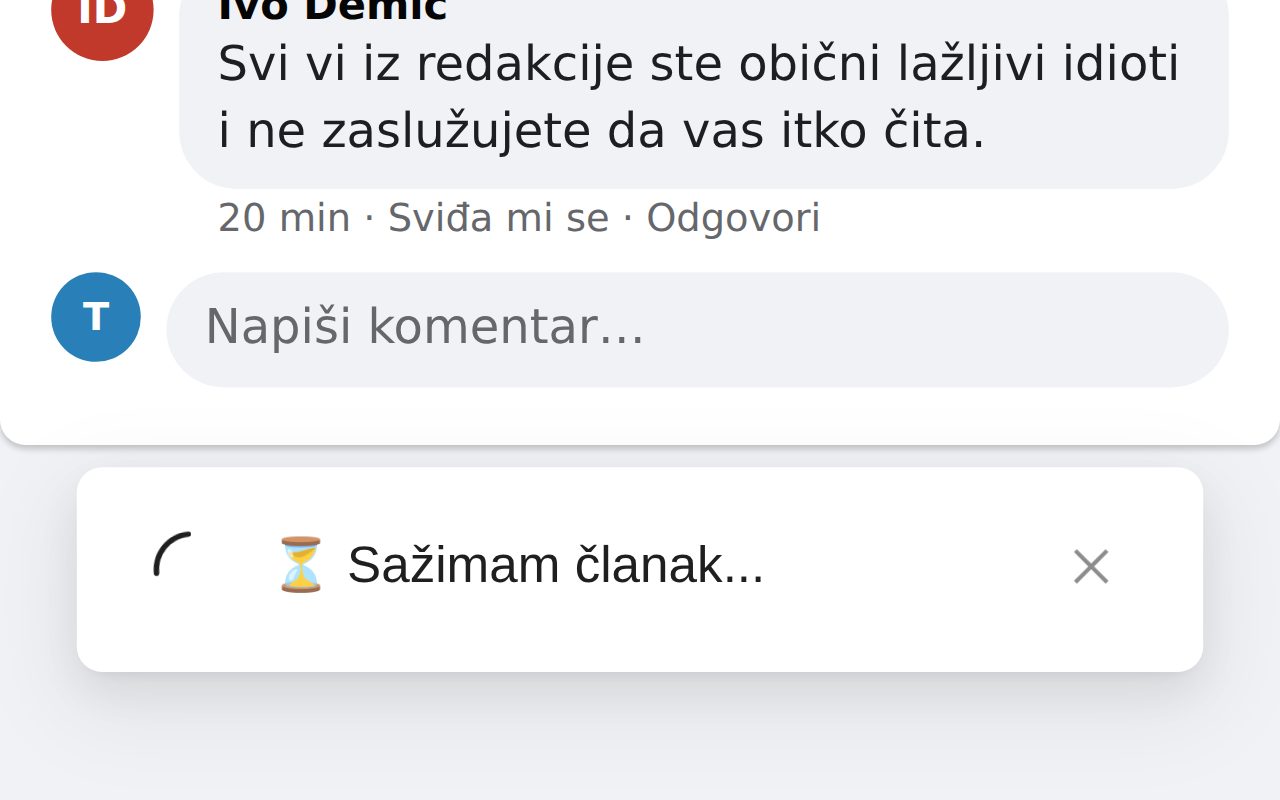
3 Review the summary in the comment box
The summary is written into the post's comment box (if the box is closed, the extension opens it). You review it, edit it and post it yourself, or delete it. Nothing is posted automatically.
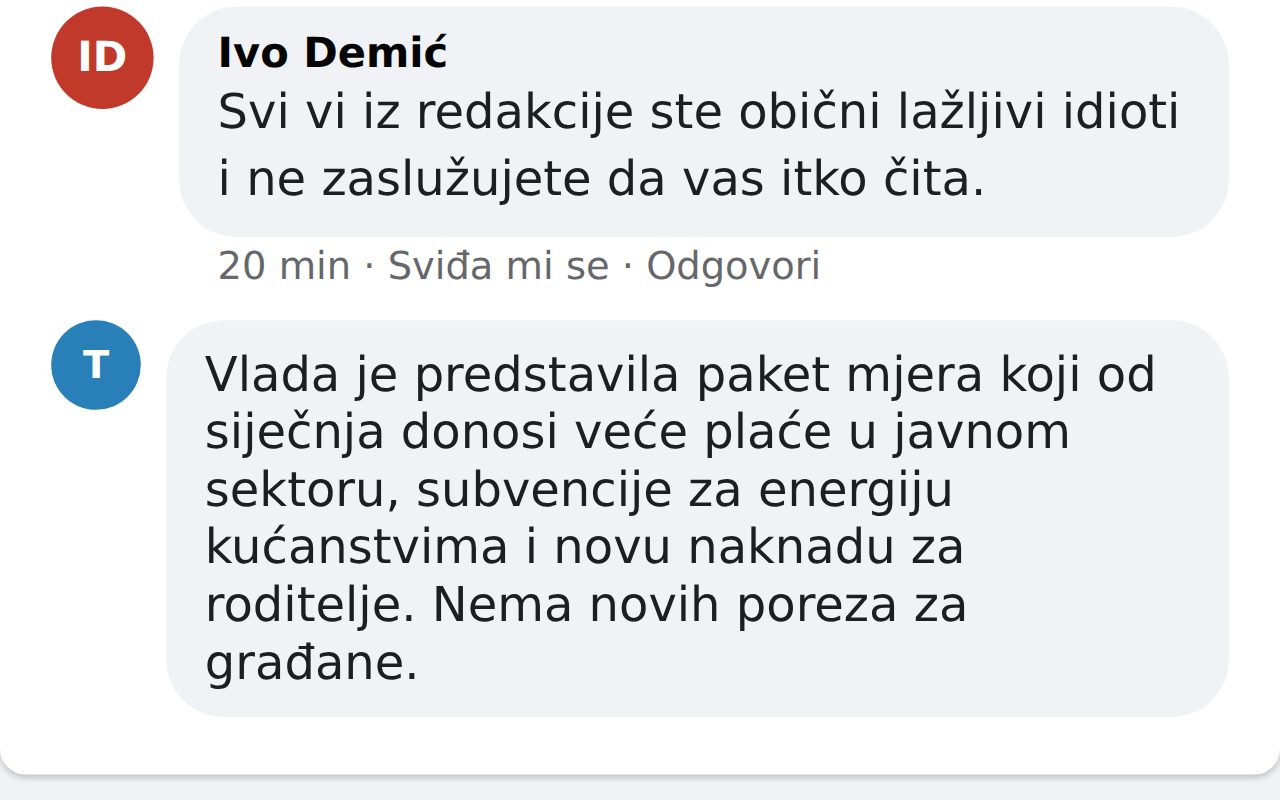
The pictures were taken by the real extension on an invented page with invented names and comments. The reply and summary texts in the example are sample text, not the work of a real AI.
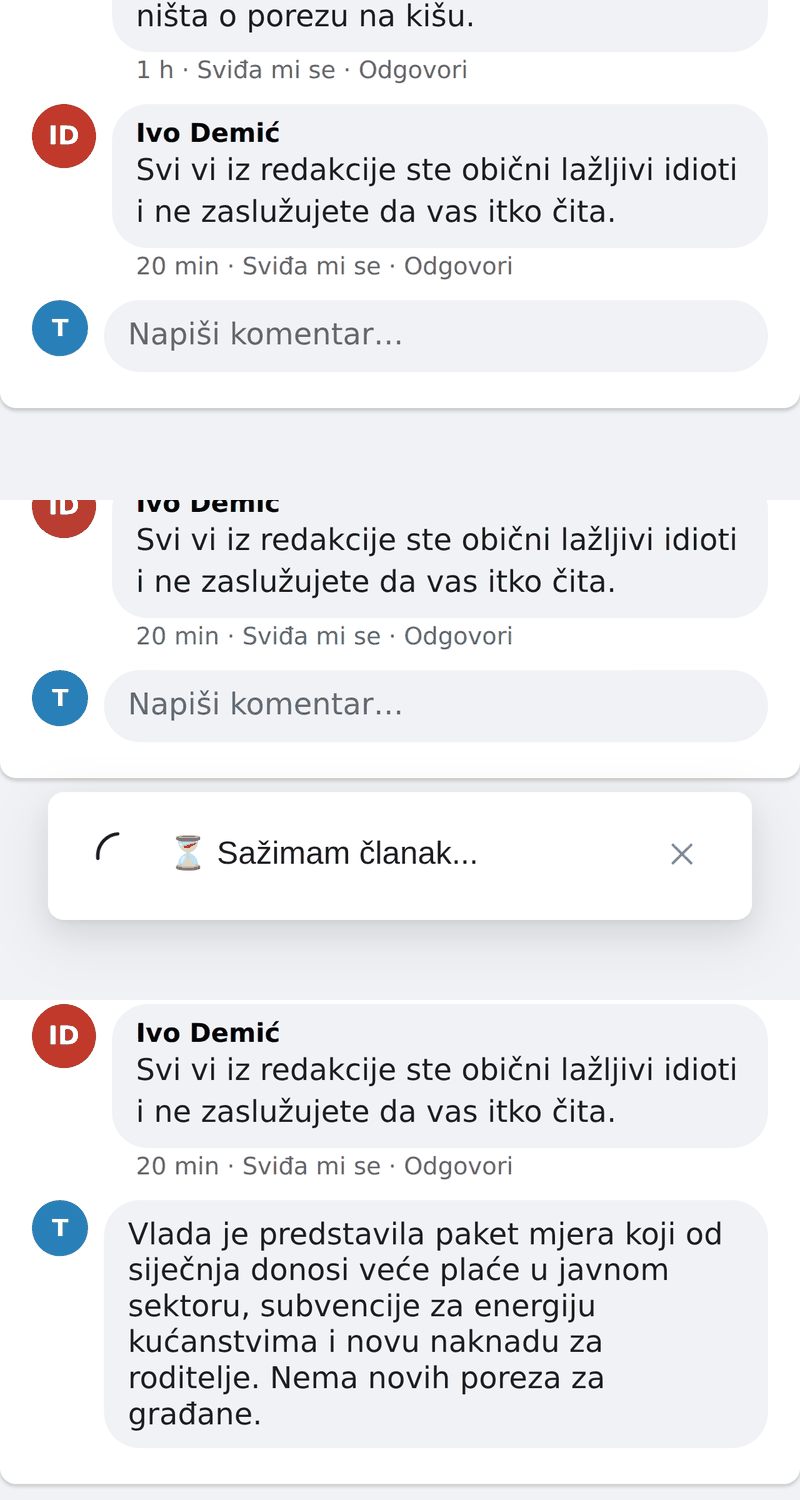
Quick look
Who it is for
For readers and people who reply to portals' posts: journalists, fact-checkers and page editors.
Availability
Beta. Works for signed-in accounts we have approved and spends credits from the package that comes with your invitation (summarizing the same article again is free the first time). At most 15 summaries an hour and 60 a day. Works on facebook.com in a desktop browser; the mobile site m.facebook.com has not been checked yet.
Frequently asked questions
- Does Remedia post anything for me?
- No. The summary ends up in the comment box and you decide whether to post it.
- What if it can't read the article?
- If the article is behind a login or a subscription, or the site refuses access, the extension says the article isn't available for summarizing. Nothing is charged then.
- What is sent to Remedia?
- The article's address, its title and the post's text. Remedia fetches the article and an AI writes the summary. It is sent only when you pick the menu item, never on its own.
Apply for the beta
Leave your details and we will get in touch when you can try the feature.
We use your details only to contact you about the beta and don't share them. More in the privacy policy.